

Promotions the till applies without the cashier doing the sums
Set a promotion up once in the back office: what comes off, when, and in which branch. At the till it comes off the basket by itself, and a manual discount stays inside the limit you set.
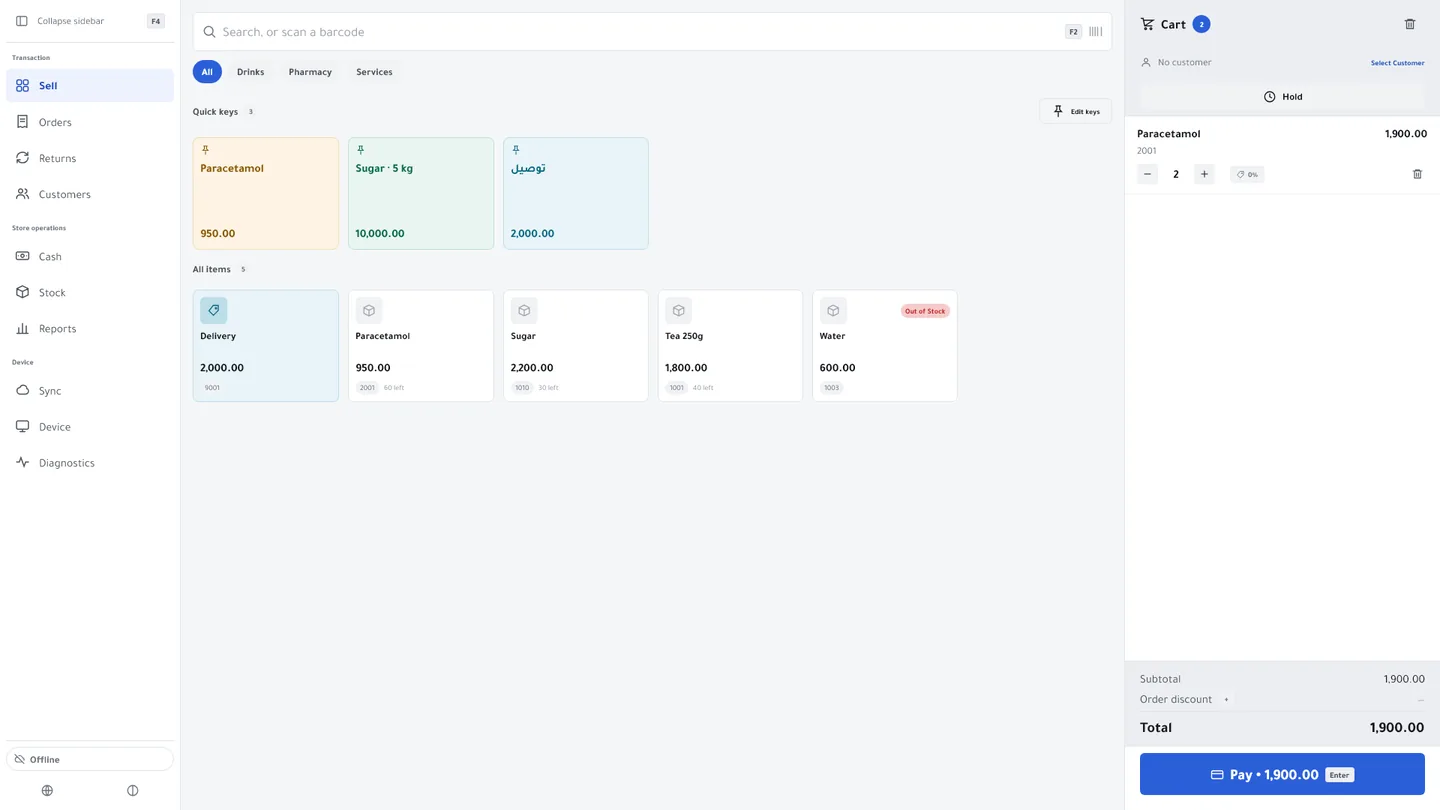
A percentage or an amount
A percentage or a fixed amount off, on everything, on the products or categories you choose, or on a bundle of items sold together.
Buy X, get Y
Buy two and get the third free, or buy one and get the second at half price. It counts units of the same product and comes off by itself once the customer has the whole set.
Automatic, or with a coupon
A promotion without a code applies to the basket on its own whenever its conditions are met. Give it a code and it becomes a coupon the cashier enters when the customer hands it over.
For a period, in a branch
Give the promotion a start and an end date and make it for every branch or for one, so it starts and stops on time without anyone remembering.
A usage cap
Set how many times a promotion or coupon can be used in total, and it stops when the cap is reached.
Manual discounts, with a ceiling
A cashier can take money off a line or the whole order up to the percentage you set. Only a user with the discount-override permission can go past it.
See what each one did
The promotion usage report shows how many times each promotion was used, and on which sales.
Kulnabooks does not do tiered discounts yet. A buy-X-get-Y offer rewards more of the same product, never a different one, and cannot be a coupon; the Windows app applies it from its latest version. Coupons need a connection at the till; offline, only automatic promotions apply, and not bundles or promotions with a usage cap.
More of the platform
Purchasing & suppliers
Purchase orders, part deliveries and supplier balancesGoods & stock
Every item’s stock in every branch, with barcodes and expiryThe till
Barcodes, receipts and shifts, in a browser or on WindowsCash & bank transfer payments
Each transfer with its reference, and the drawer counted at shift closeInvoices & quotes
PDF invoices with a QR code, and quotes that become invoicesCustomers & credit
A credit limit for each customer, and a PDF statementCounter hardware
Thermal printer, barcode scanner and cash drawerAccounts
Entries that post themselves from every sale and purchaseReports & numbers
The owner’s dashboard, and reports you filter and exportBranches & team
Each branch its own figures, each person their own permissions
Open your shop in Kulnabooks
Sign up, name your business and your first store, and start adding products.