

Where you manage the business
Products, stock, suppliers, customers and the books, updated by every sale, for every branch, in one place.
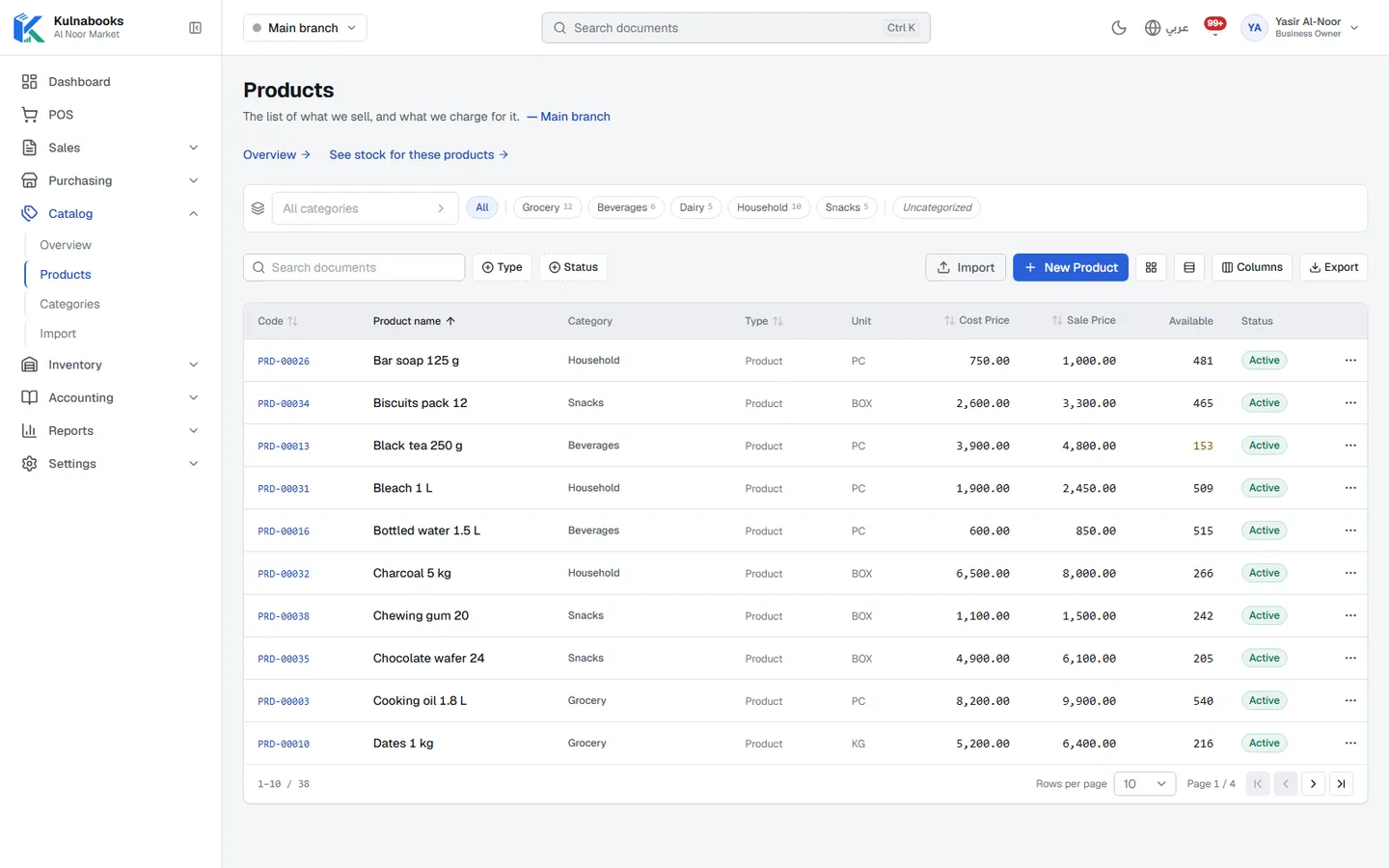
One system, from the supplier to the balance sheet
Each step records what happened once and carries it on to the next. Pick a step to see its screen.
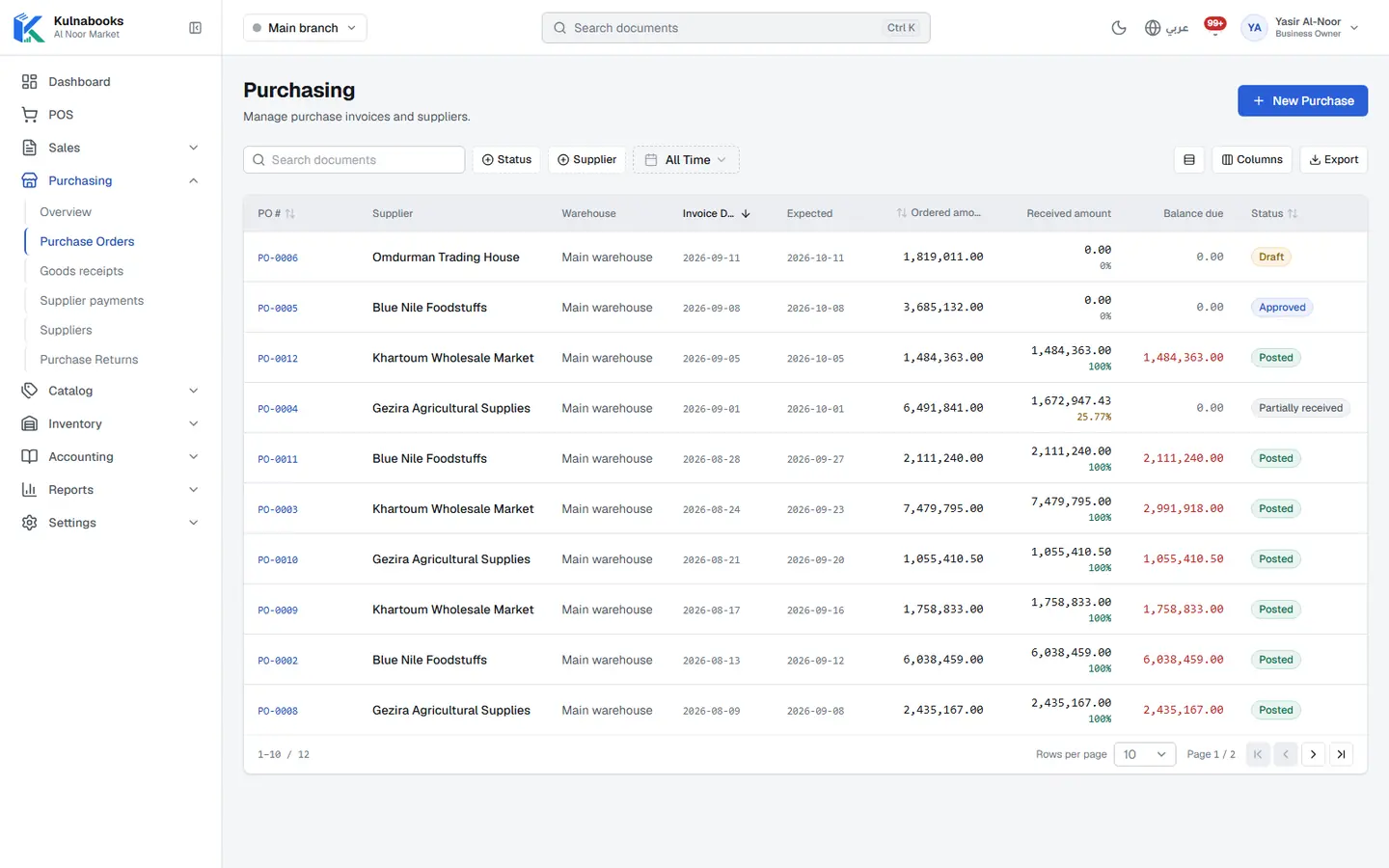
Purchasing & suppliers
Purchase orders, part deliveries and supplier balances
- An order with clear stages
- Receive all of it, or part
- What you owe the supplier
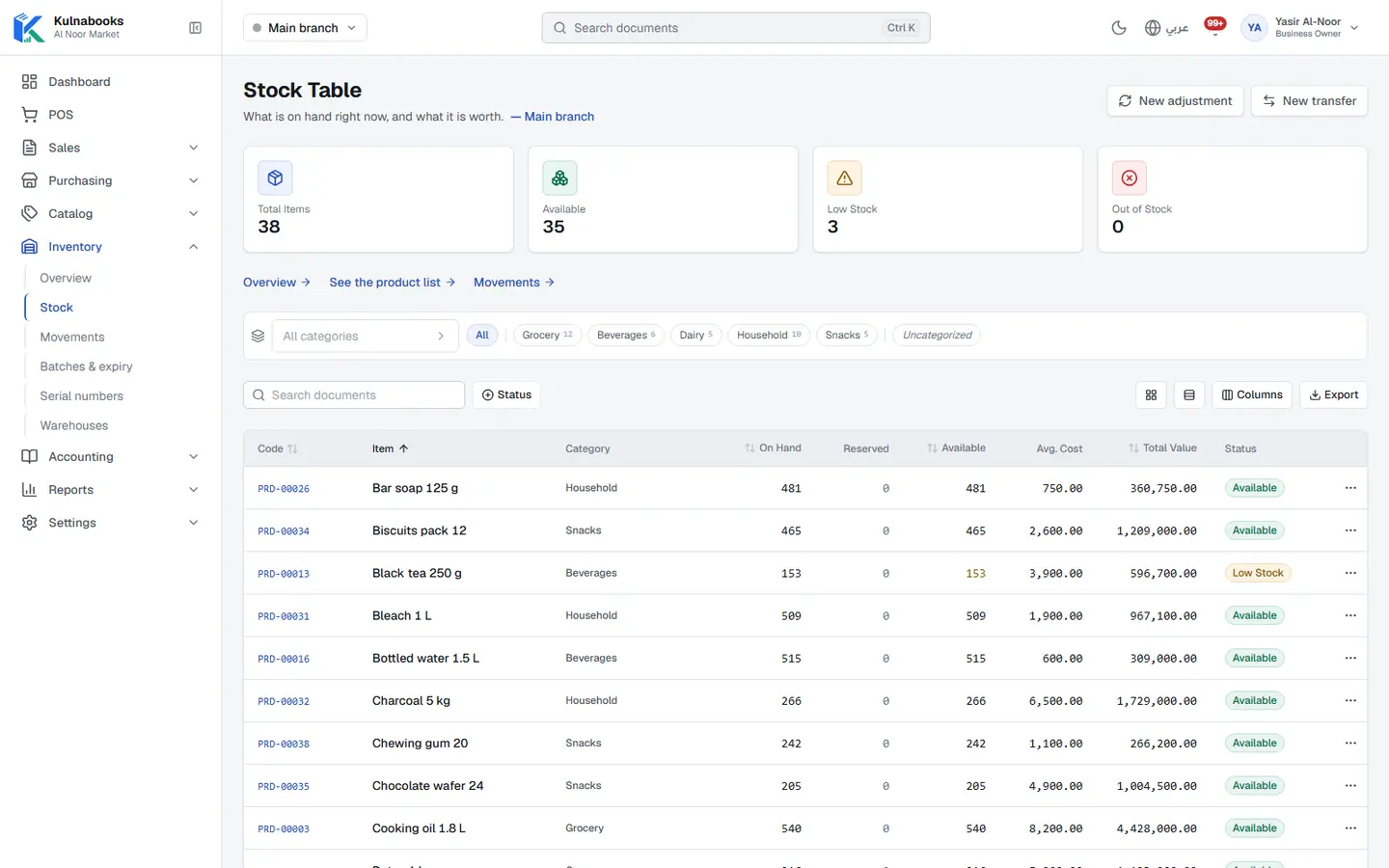
Goods & stock
Every item’s stock in every branch, with barcodes and expiry
- One product list
- Import, and change in bulk
- Stock, branch by branch
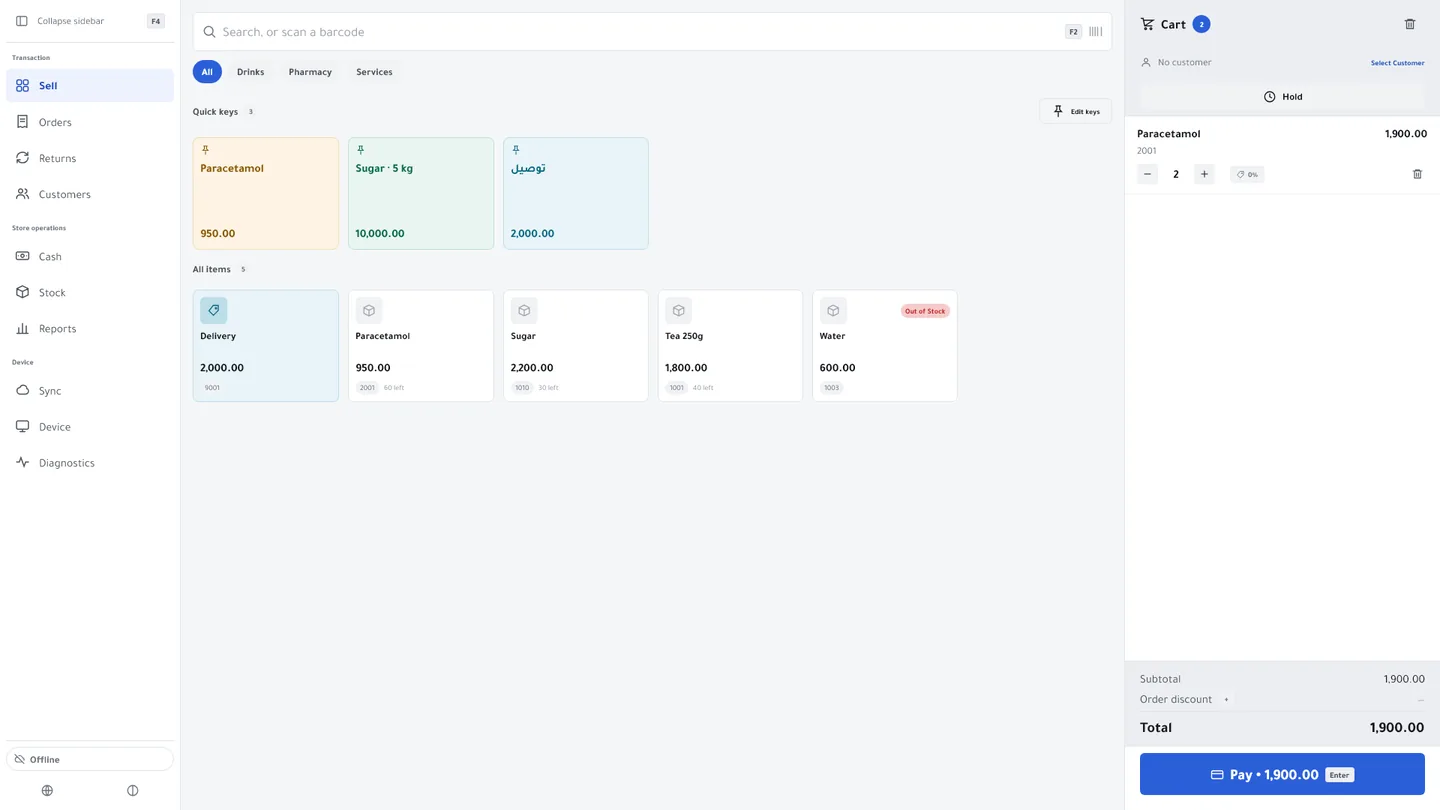
The till
Barcodes, receipts and shifts, in a browser or on Windows
- Find anything in a second
- Take payment the way customers pay
- Control without slowing down
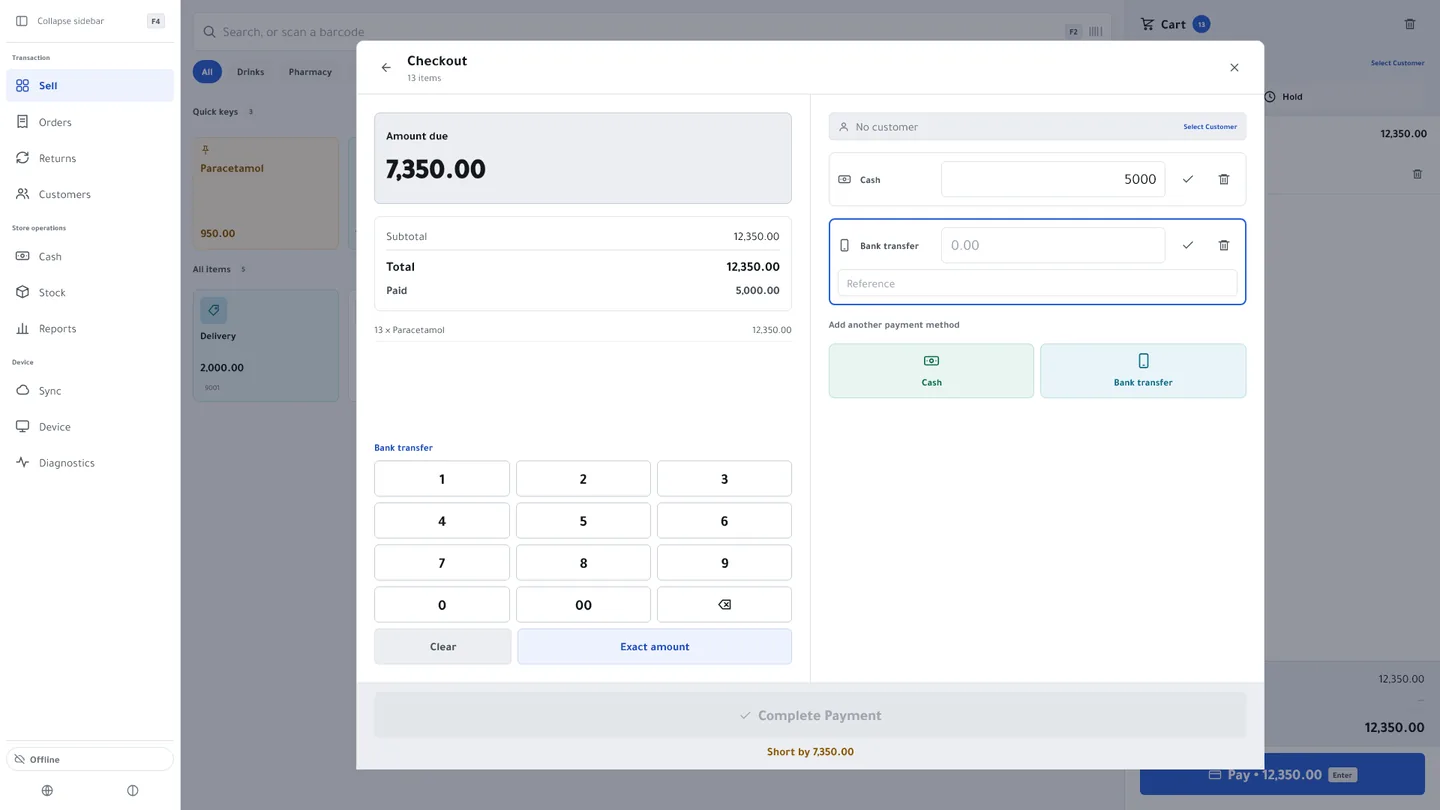
Cash & bank transfer payments
Each transfer with its reference, and the drawer counted at shift close
- The transfer reference, with the payment
- Your bank account, in front of the customer
- Change, worked out
Customers & credit
A credit limit for each customer, and a PDF statement
- A record for every customer
- A credit limit that holds
- On account at the till
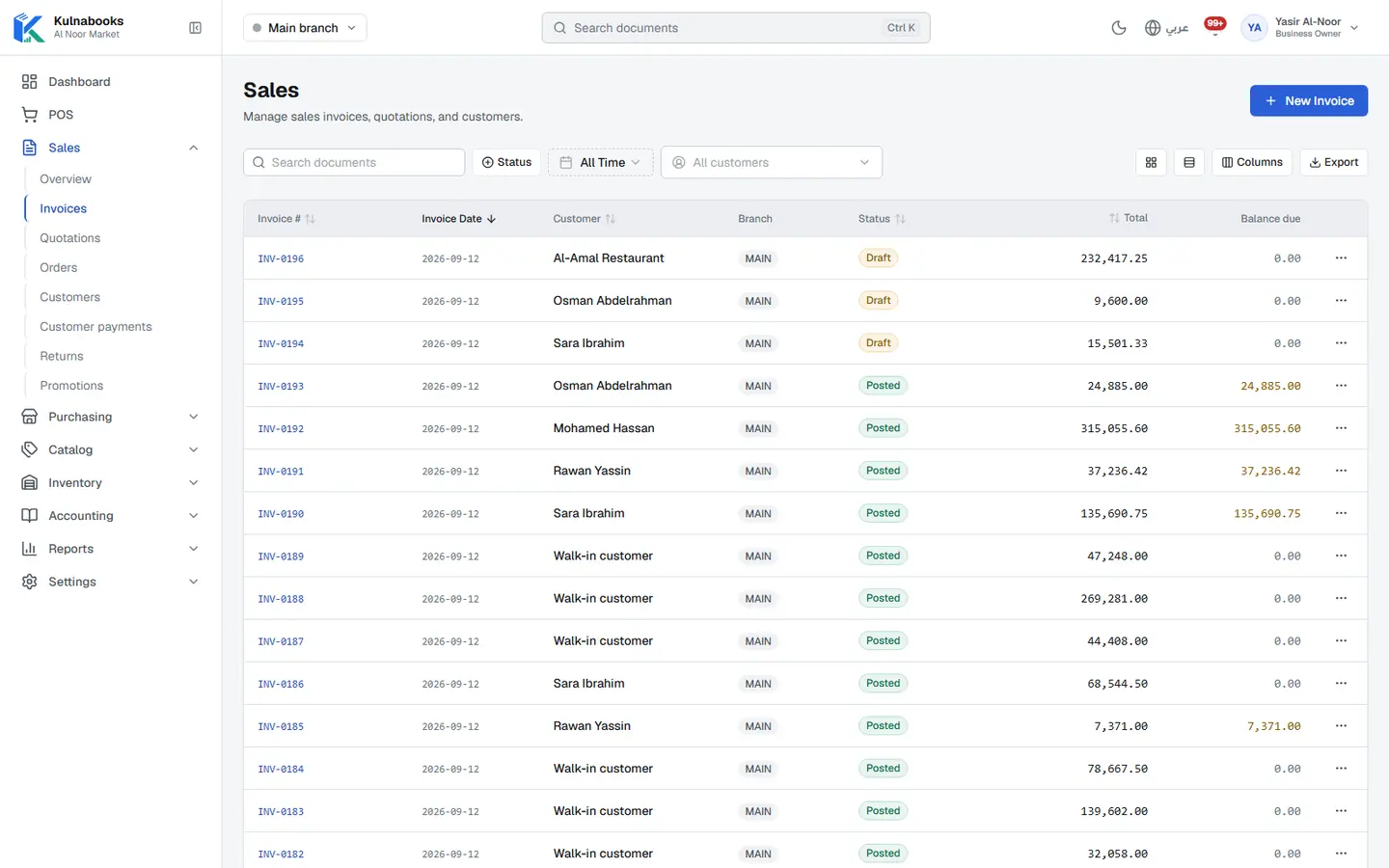
Accounts
Entries that post themselves from every sale and purchase
- Entries that post themselves
- Chart of accounts and journals
- Expenses
What posts on its own
- A sale at the tillRevenue, VAT and the cost of goods sold, and stock going down
- A purchase order received and postedStock going up, and what you owe the supplier
- A payment from a customer or to a supplierCash or bank, and the customer’s or supplier’s balance
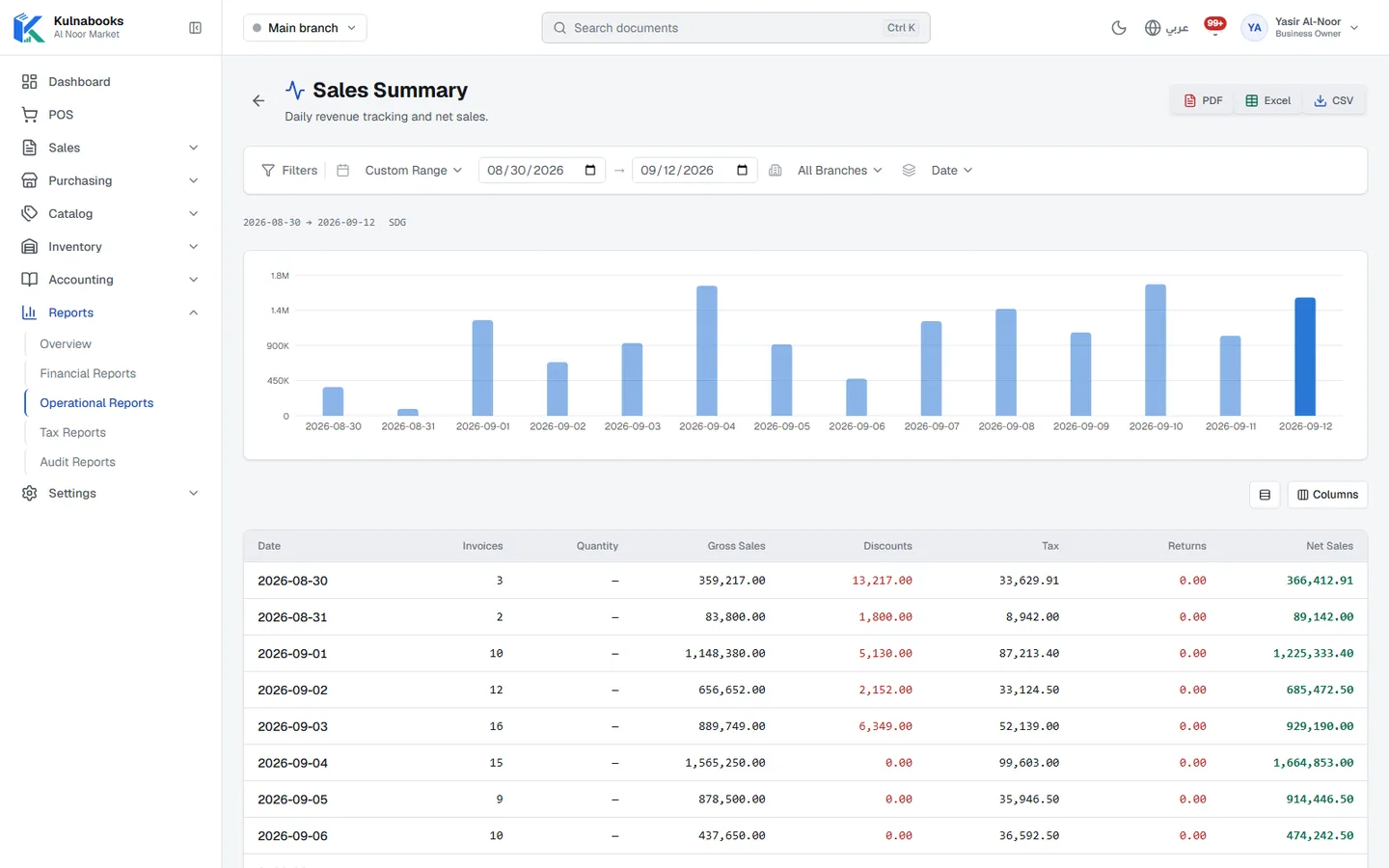
Reports & numbers
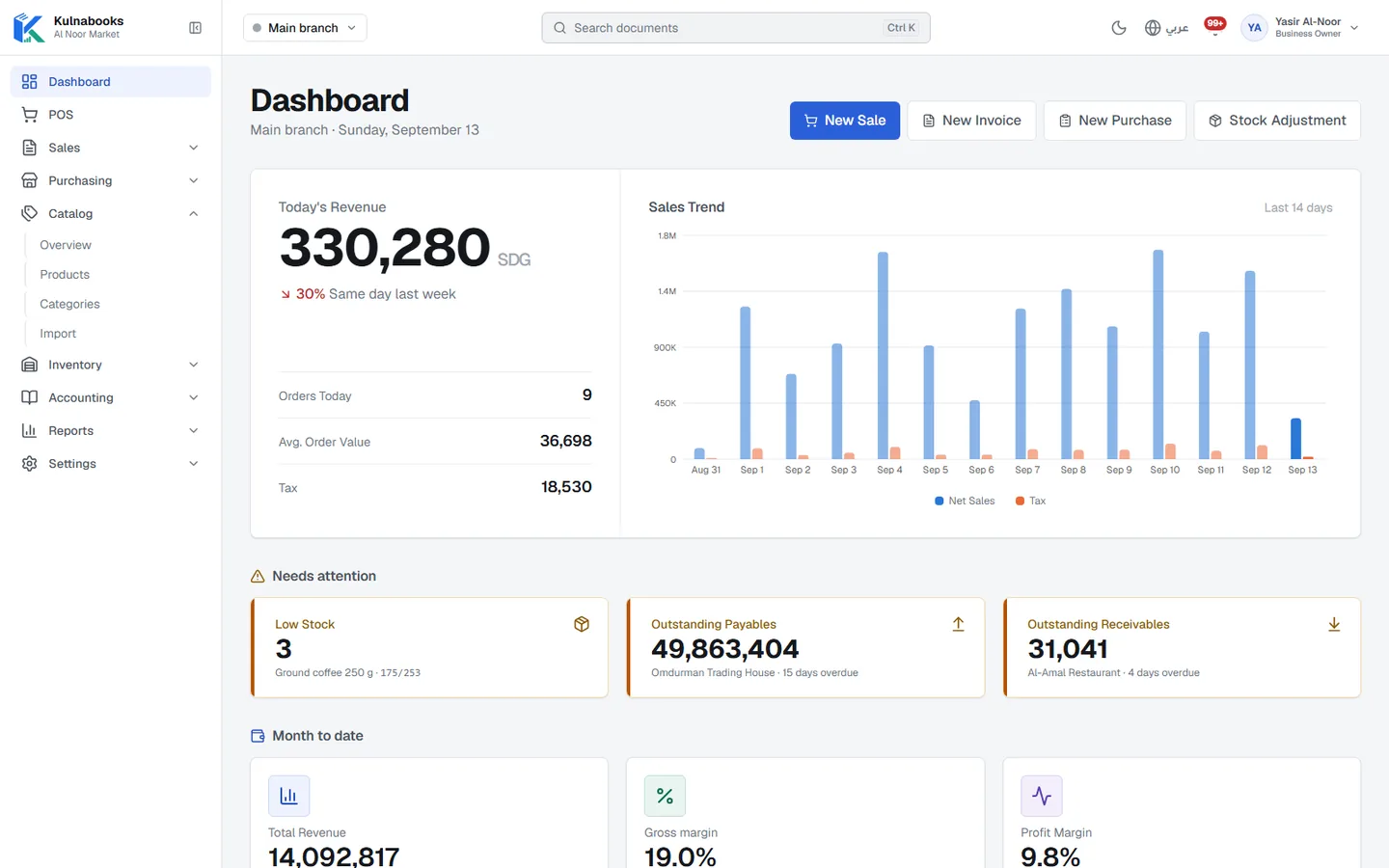
The owner’s dashboard, and reports you filter and export
- The owner’s dashboard
- What needs your attention
- A dashboard for each role
Branches & team
Each branch its own figures, each person their own permissions
- Every branch, its own figures
- Tills approved first
- Invite your team by e-mail
Catalogue
Build your product list once and sell it everywhere.
- Variants, barcodes, SKUs and a photo per product
- Import products from a CSV file
- Categories, units and pack sizes
- Bulk price changes with a price history
- Barcode labels printed from the product
Inventory
Know what you have, where it is, and what is about to expire.
- Stock by branch and warehouse
- Transfers and adjustments with reasons
- Batches and expiry dates, soonest-expiring sold first
- Serial numbers and IMEI tracking
- Reorder points and low-stock alerts
Purchasing
From the purchase order to the shelf.
- Suppliers and supplier statements
- Purchase orders with an approval step
- Goods received in full or in part, into the right branch
- Supplier payments and purchase returns
Sales
For customers who buy on invoice, not only at the till.
- Sales invoices with PDF, amendment and cancellation
- Quotations and sales orders
- Customers with credit limits and statements
- Returns and credit notes, promotions, coupons and bundles
Accounting
Double-entry books kept by the work you already do.
- Chart of accounts, journals, general ledger
- Expenses and bank reconciliation
- Fiscal periods and year-end close
- Multiple currencies with exchange rates
Tablet on a stand
Any tablet with a modern browser: the back office, or the till.
- Products, stock by branch, purchasing and reports
- Every till’s sales show up in stock and the books as they arrive
- Arabic right to left, or English, switched at any time
- Runs the browser till too, with one open shift per branch at a time
The back office needs a connection. Only the till sells offline.
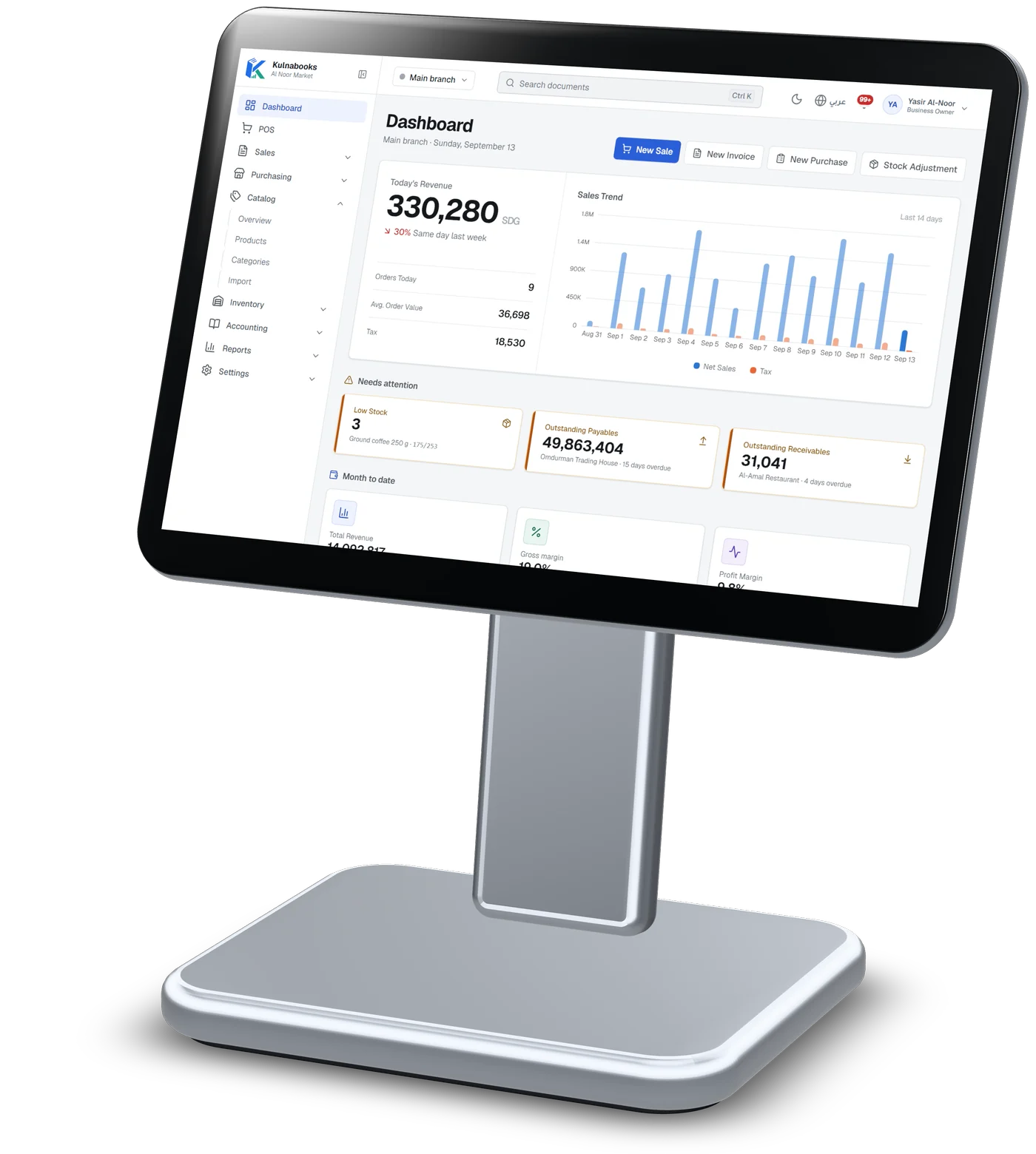
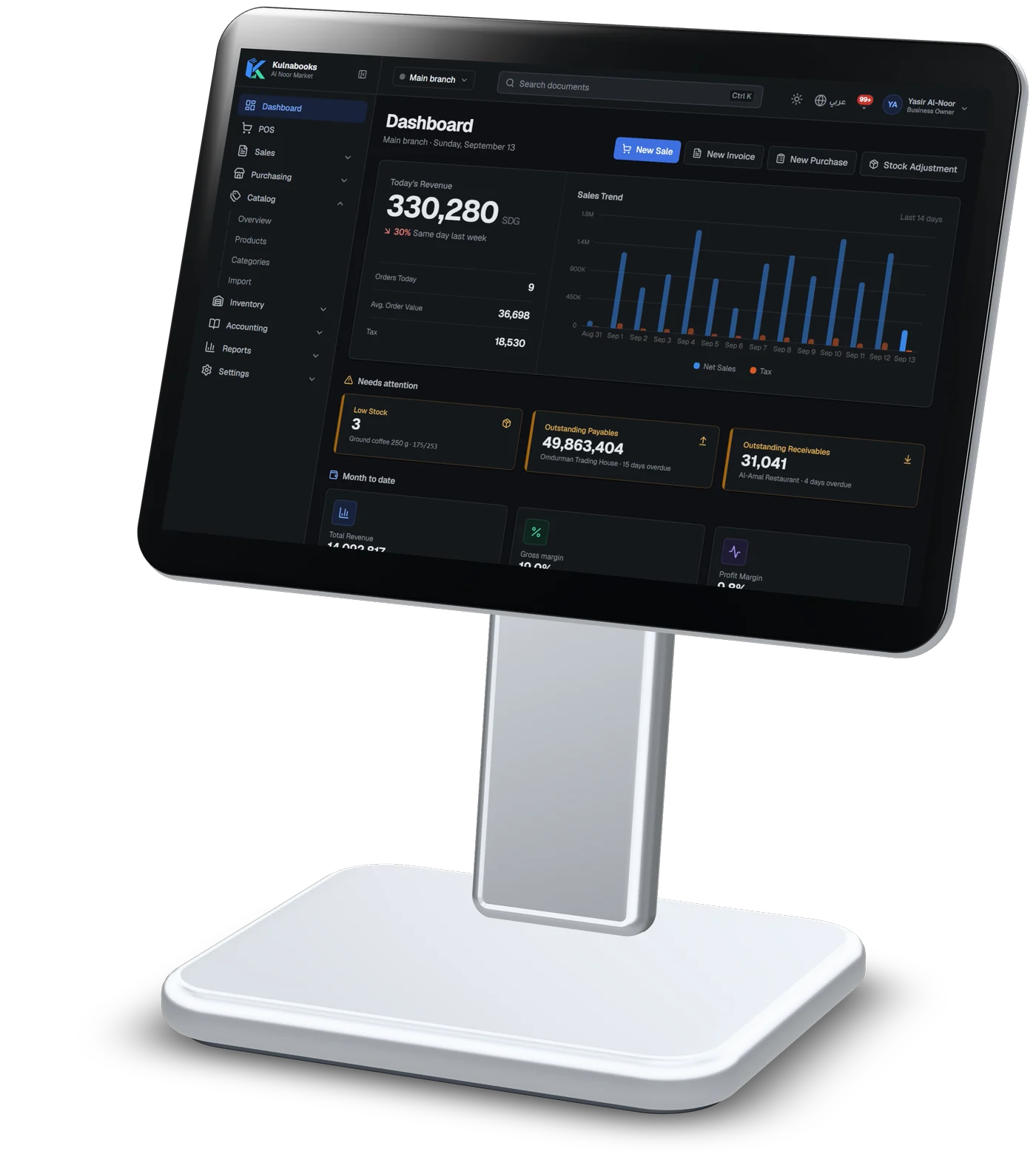
Screens from a demo shop. Figures are sample data.
Reports
Dashboards for owners, managers, accountants and cashiers, and reports you can filter by branch and period and export.
Financial
- Income statement
- Balance sheet
- Cash flow
- Trial balance
- General ledger
- Receivables and payables aging
Operations
- Sales summary
- Purchase summary
- Inventory stock and movements
- Low stock
- POS shifts
- Margin summary
- Price changes
- Promotion usage
Tax and audit
- VAT report
- Audit log
The right screen for each person
Owner, manager, accountant and cashier roles come ready, each with its own dashboard. Create your own roles with a permission matrix, invite your team by e-mail, and turn on a sign-in code for extra security.
Open your shop in Kulnabooks
Sign up, name your business and your first store, and start adding products.