

A till that keeps up with the queue
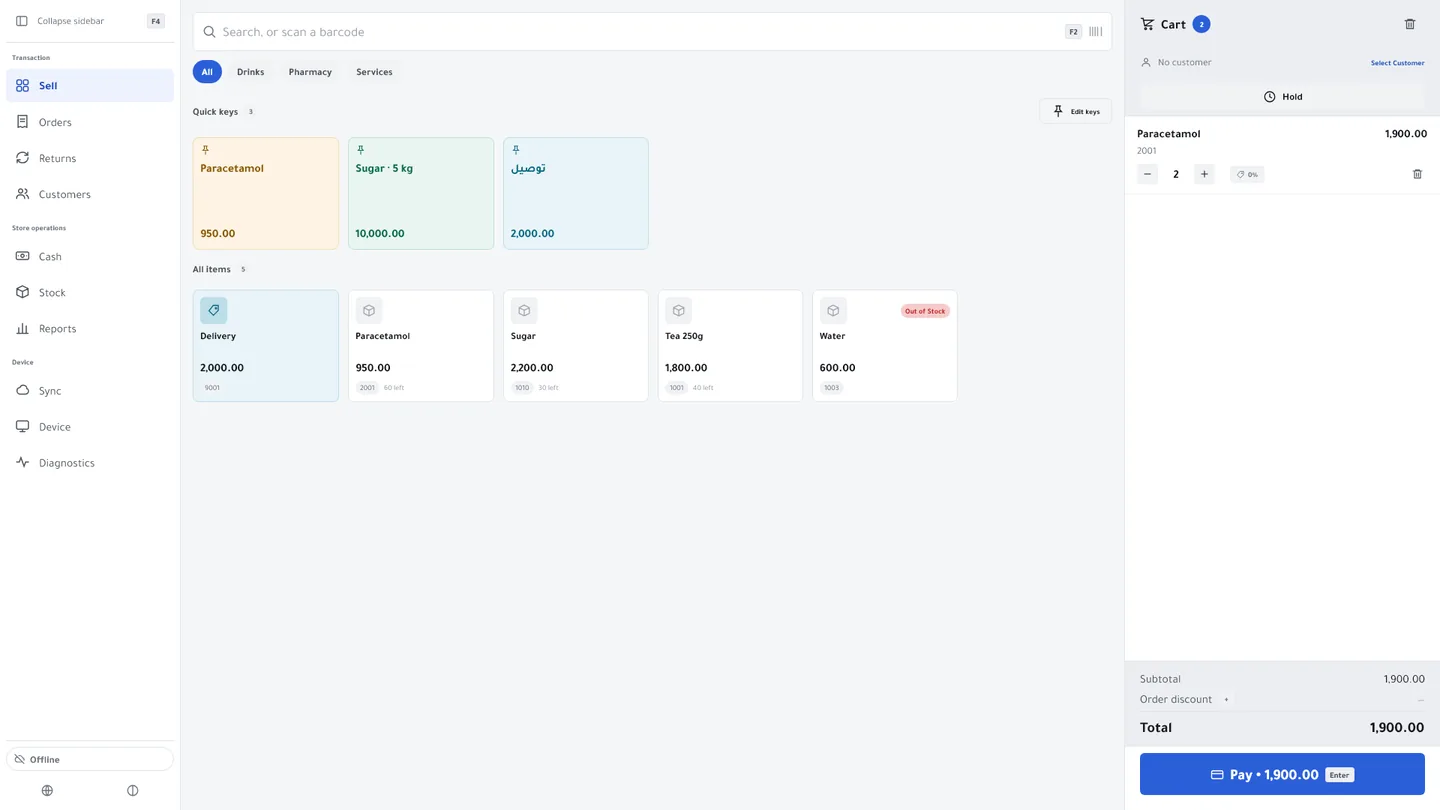
Scan, take payment, print, next customer. Kulnabooks POS runs in the browser on any computer or tablet, or as an app for Windows with receipt printers and cash drawers.
The machines shops already use
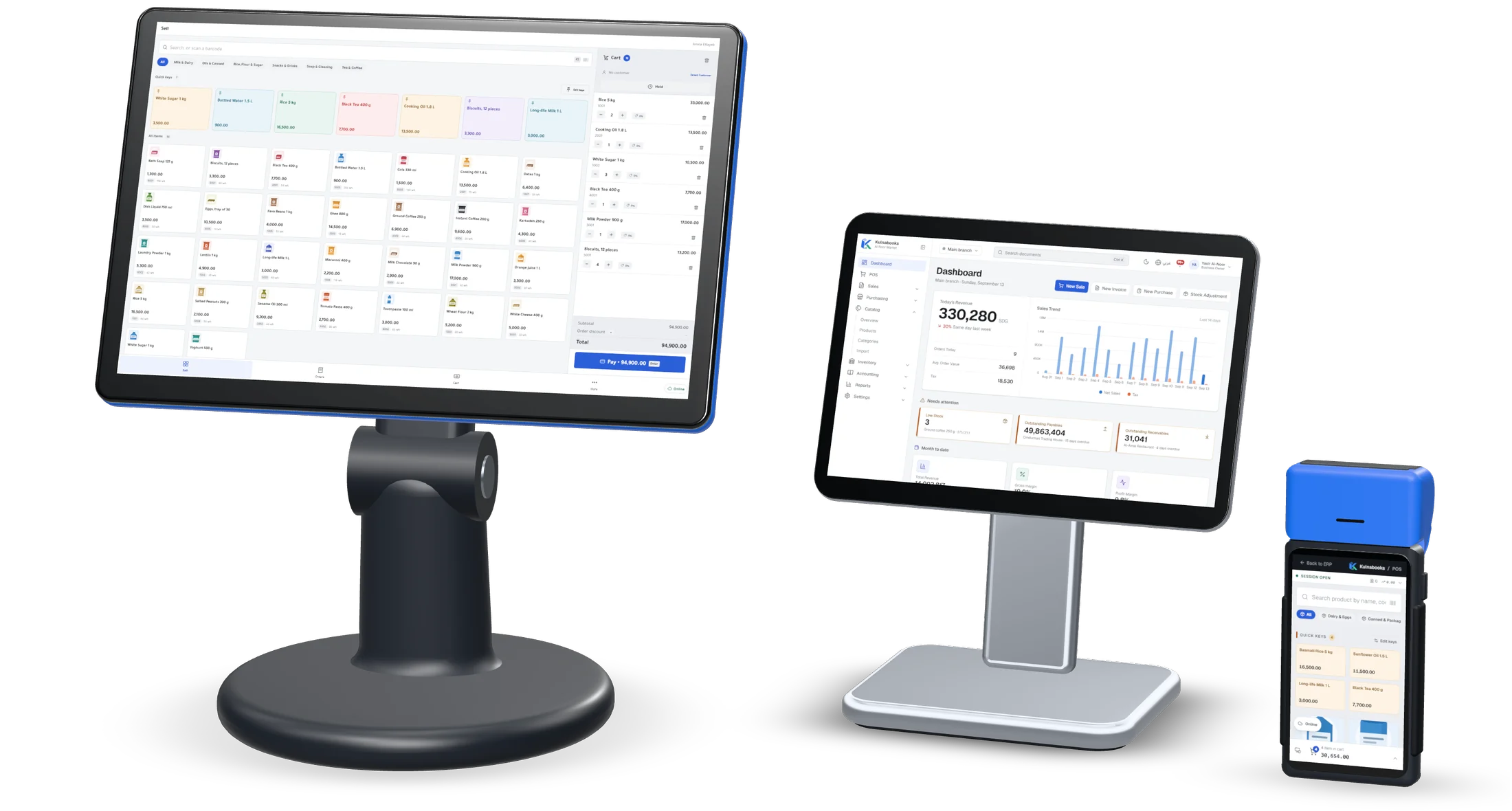
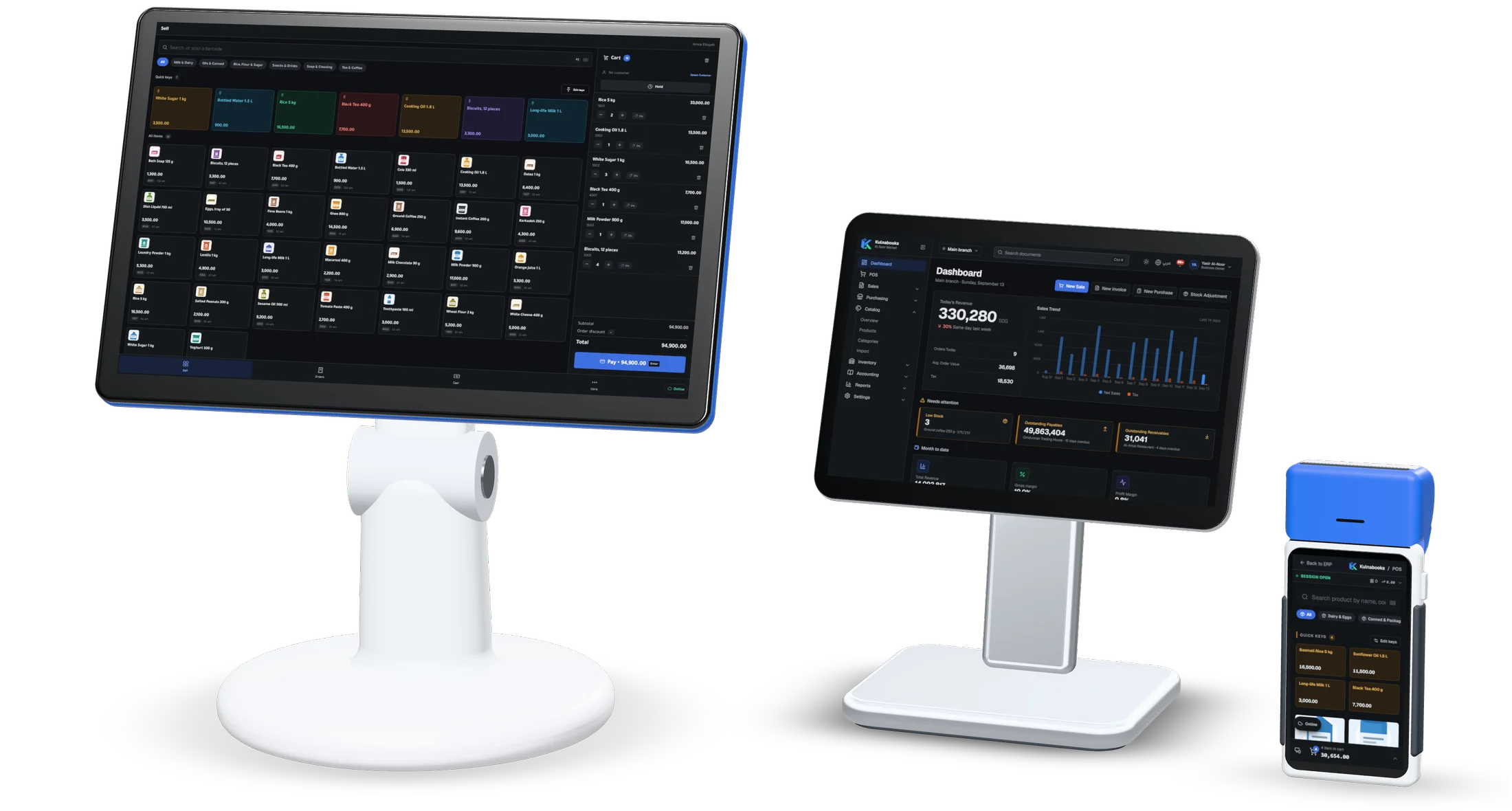
Kulnabooks is software, and it runs on hardware you buy anywhere. These are the three setups we see most at shop counters, and what Kulnabooks does on each.
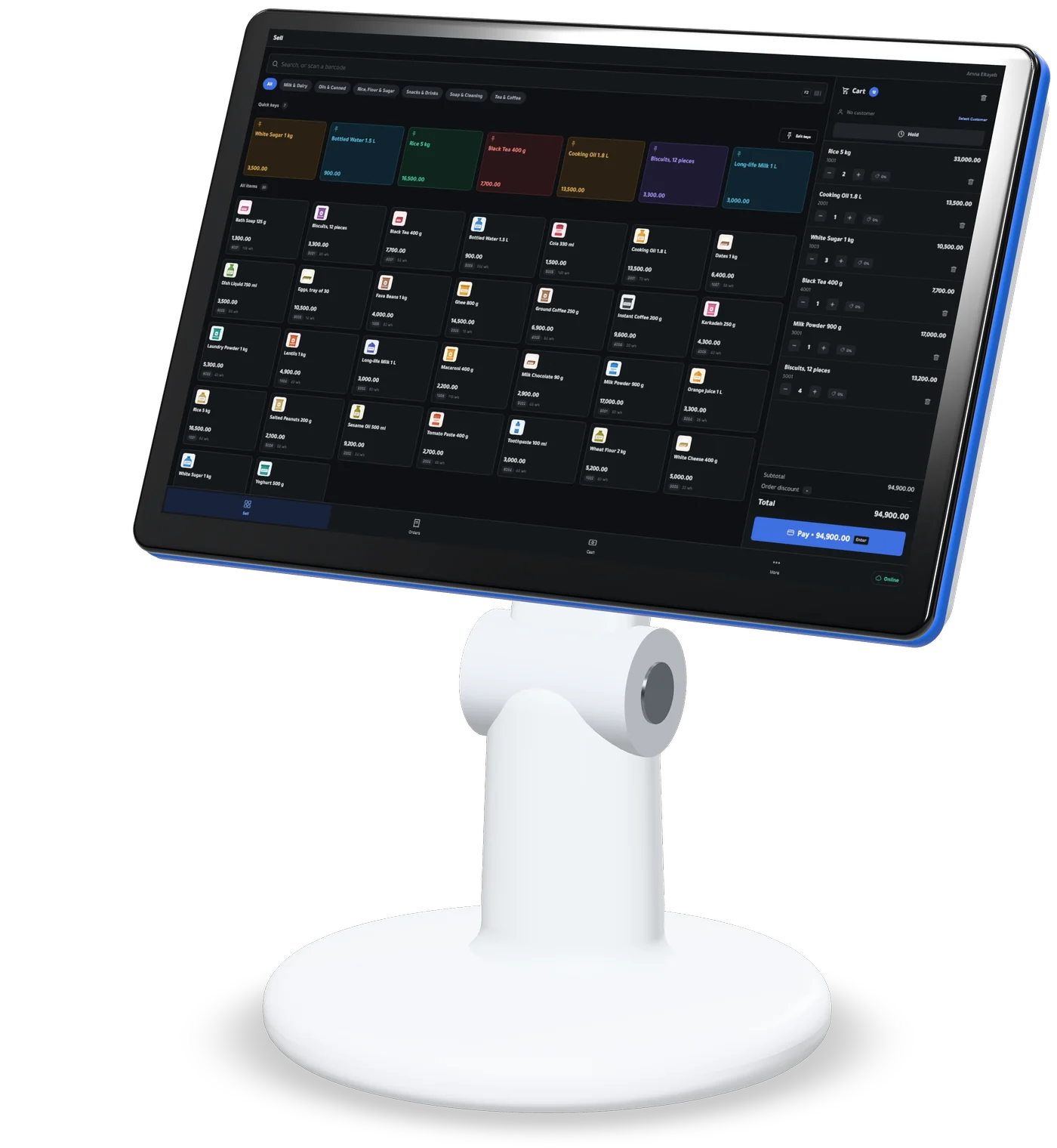
Counter terminal
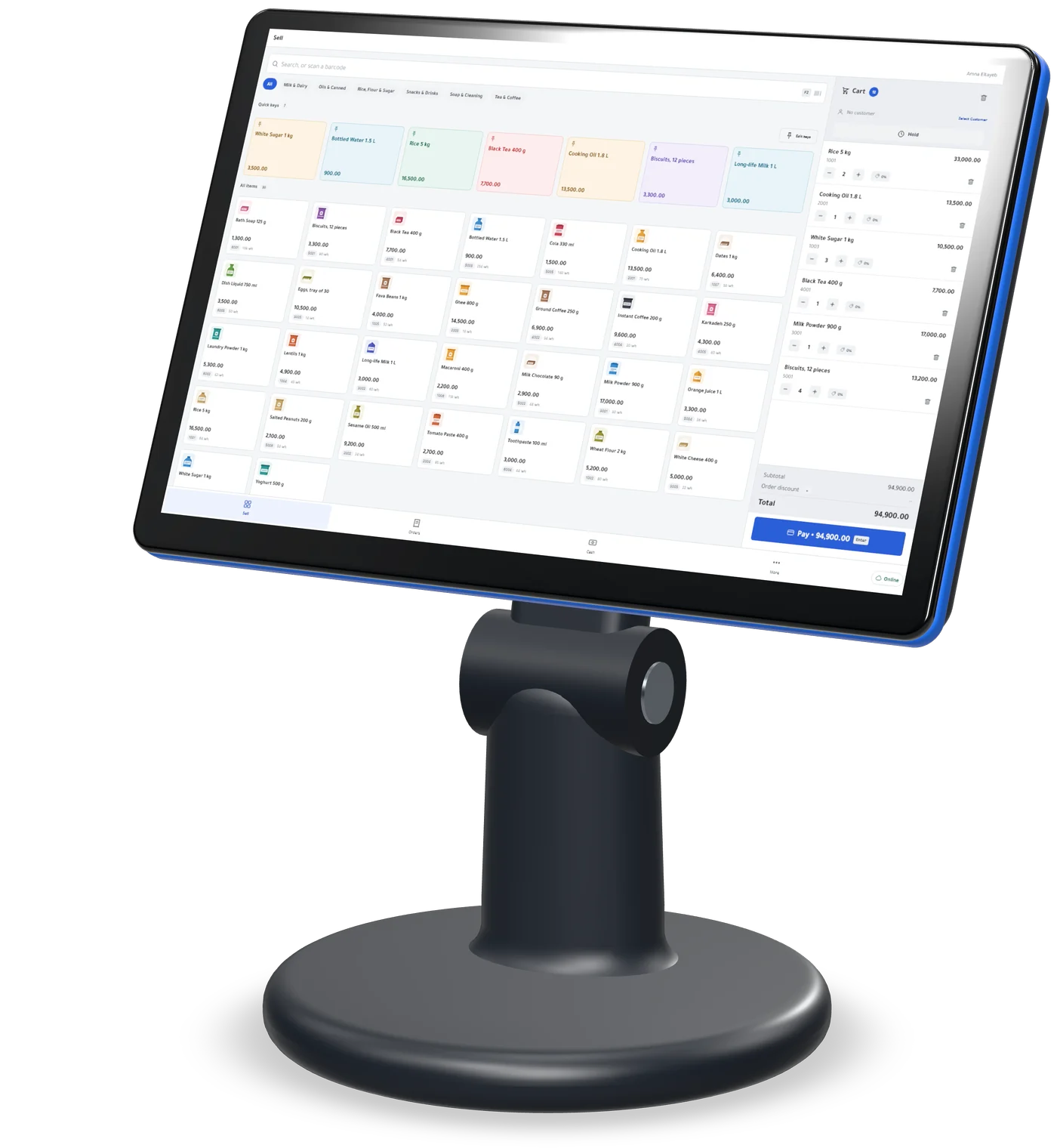
A touchscreen PC on the counter, running Kulnabooks POS for Windows.
- Prints receipts on 58 mm and 80 mm thermal printers, in Arabic
- Opens the cash drawer as a cash sale’s receipt prints
- Keeps selling and printing with the internet down
- A USB barcode scanner works as soon as it is plugged in
- Sends every sale to the back office, in order, when the line returns
The terminal, printer and drawer are bought separately. Kulnabooks is the software.
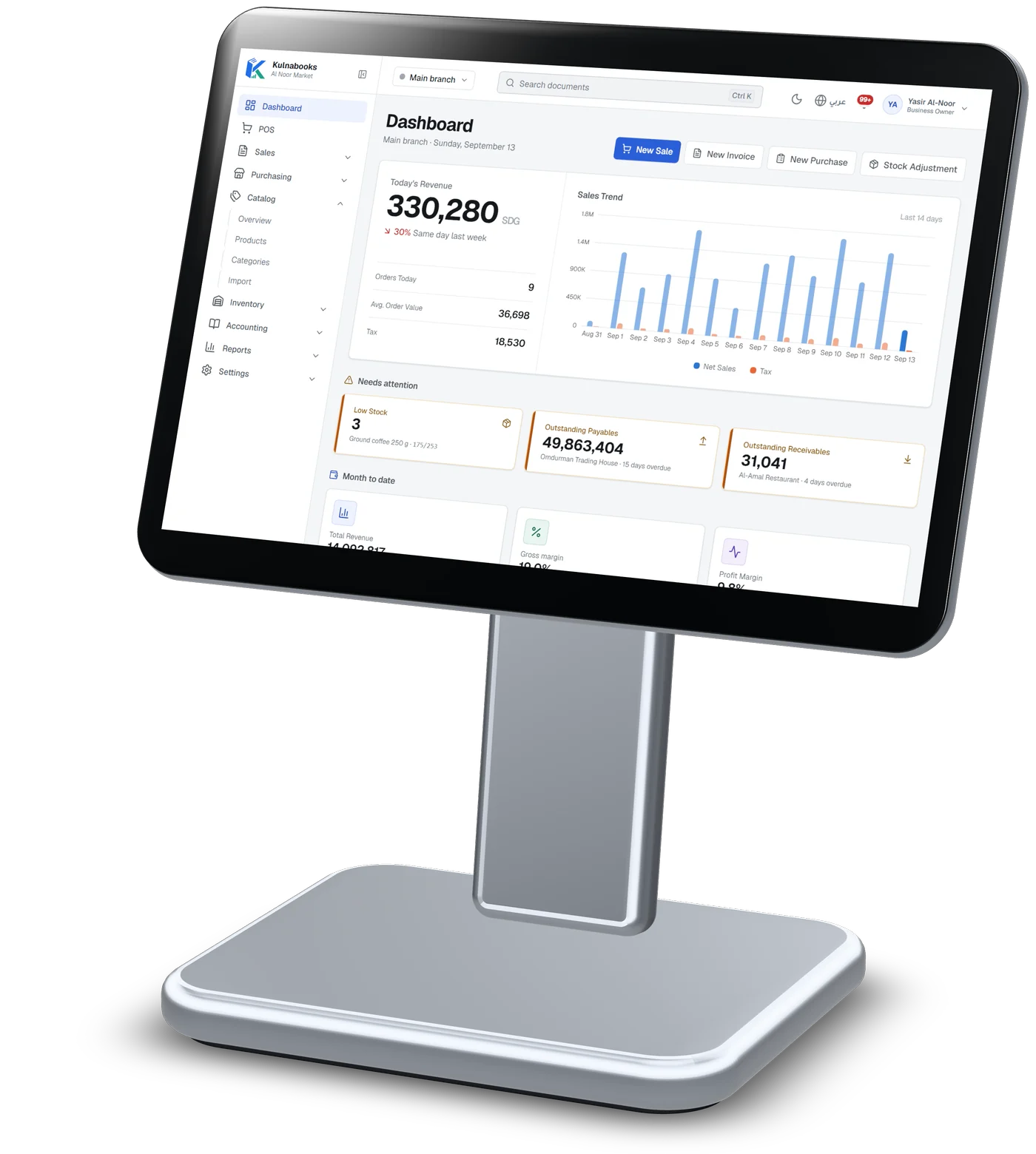
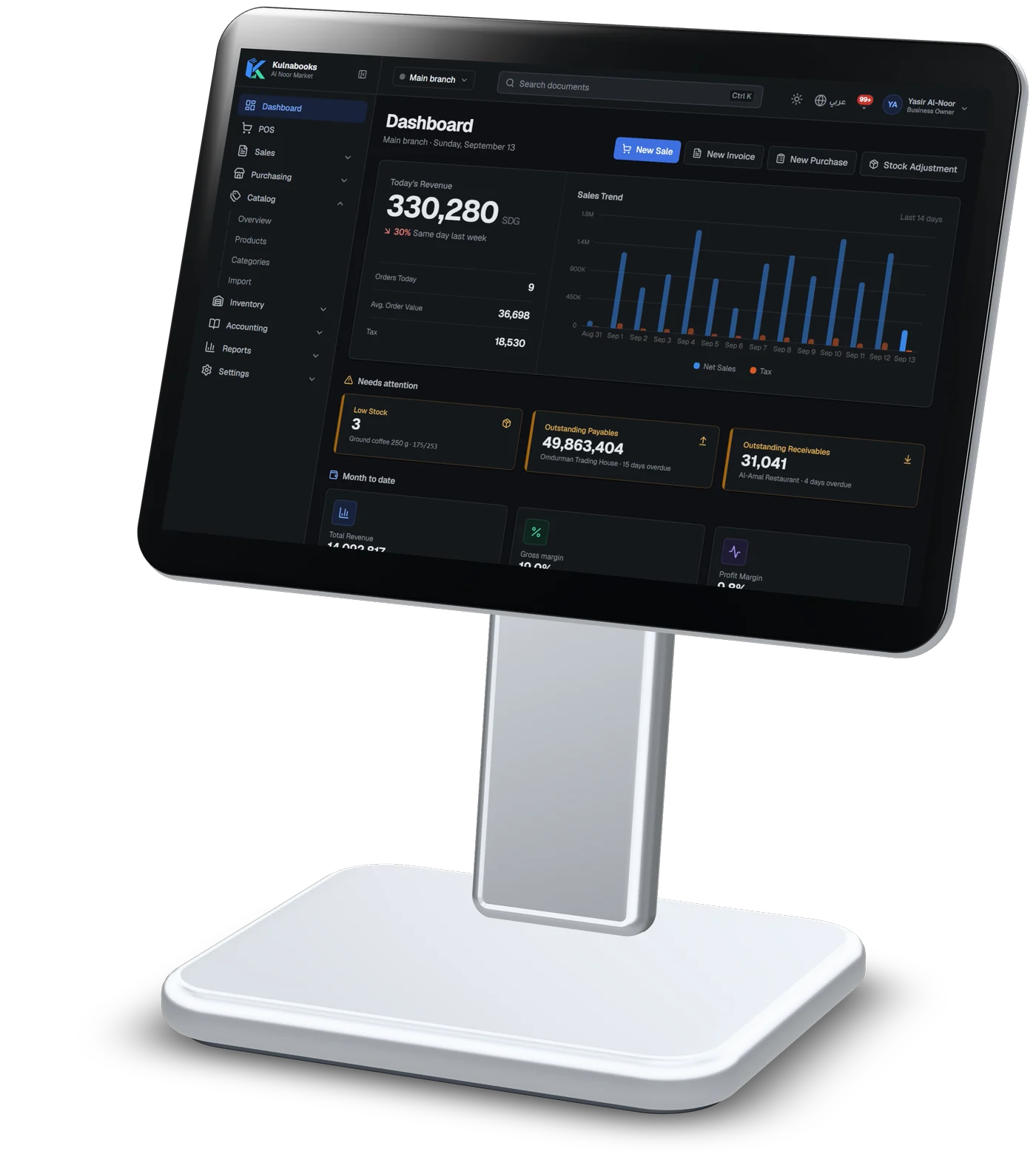
Tablet on a stand
Any tablet with a modern browser: the back office, or the till.
- Products, stock by branch, purchasing and reports
- Every till’s sales show up in stock and the books as they arrive
- Arabic right to left, or English, switched at any time
- Runs the browser till too, with one open shift per branch at a time
The back office needs a connection. Only the till sells offline.
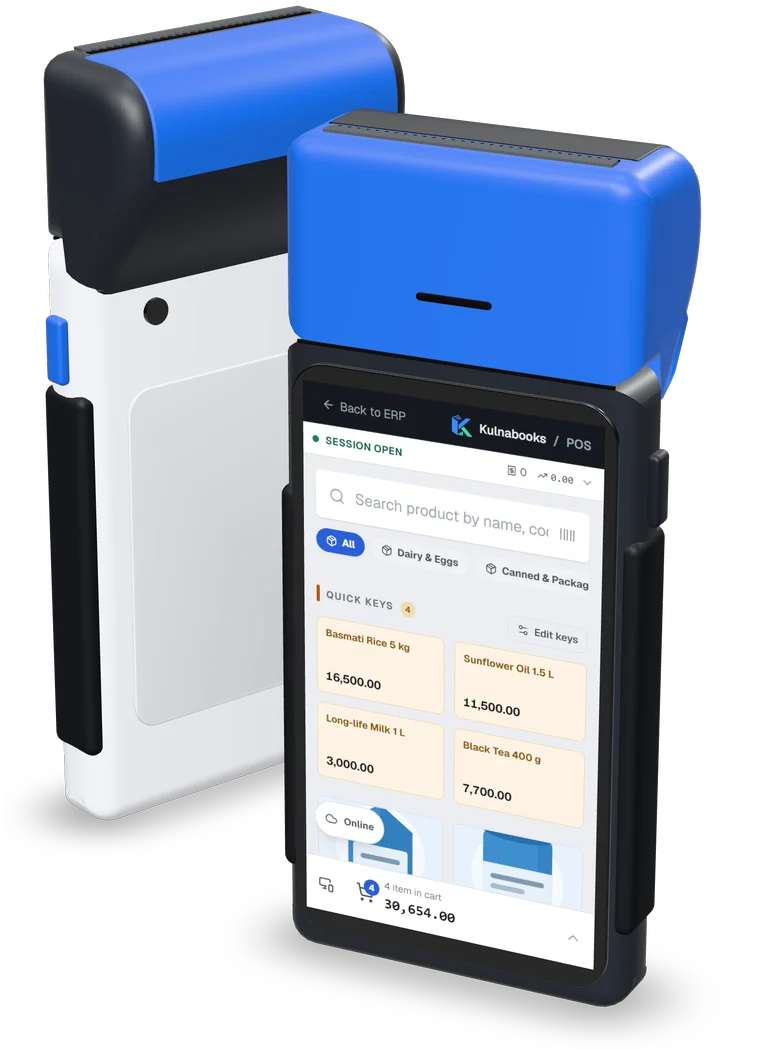
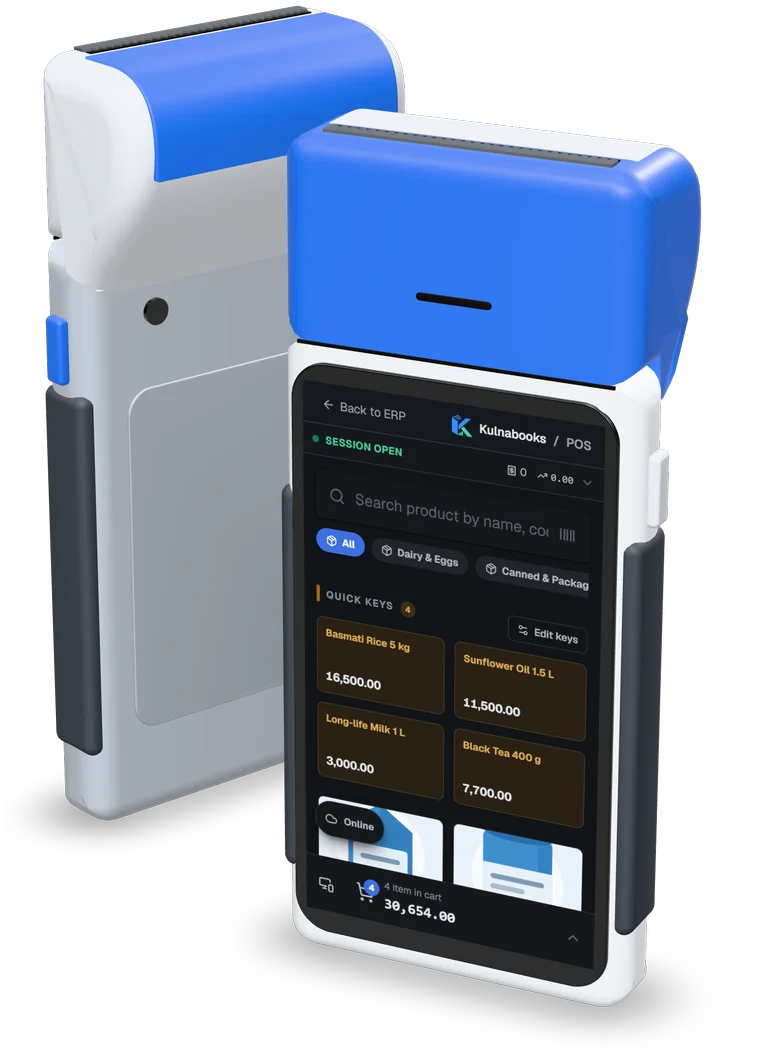
Handheld
An Android handheld or a phone, with the Kulnabooks till open in its browser.
- The till laid out for one hand: search, quick keys and the basket total
- Keeps the product list on the device and sells while offline, with no cap on how many
- Records bank transfers with each transfer’s reference
- Every sale lands in the same stock and reports as the counter
Kulnabooks does not print to a handheld’s built-in receipt printer. The receipt is shown on screen.
Screens from a demo shop. Figures are sample data.
The internet drops. Selling does not.
Every till keeps the product list on the device, so it never waits for the network to sell.
Online
Each sale reaches the back office as it is recorded, and the till’s product list and prices stay up to date.
Offline
The till keeps selling from the list it holds, with no cap on how many sales, and prints every receipt with its real number and QR code.
Back online
The saved sales are sent in order, and any the server refuses shows on the till’s sync screen.
Refunds and coupon codes need a connection, and the back office works online.
Find anything in a second
Cashiers scan a barcode, search by name in Arabic or English, or tap a quick key for the items you sell most.
- Barcode scanners work out of the box
- Product photos and categories on the till
- Sizes, colours and other variants picked on screen
- Park a basket and serve the next customer
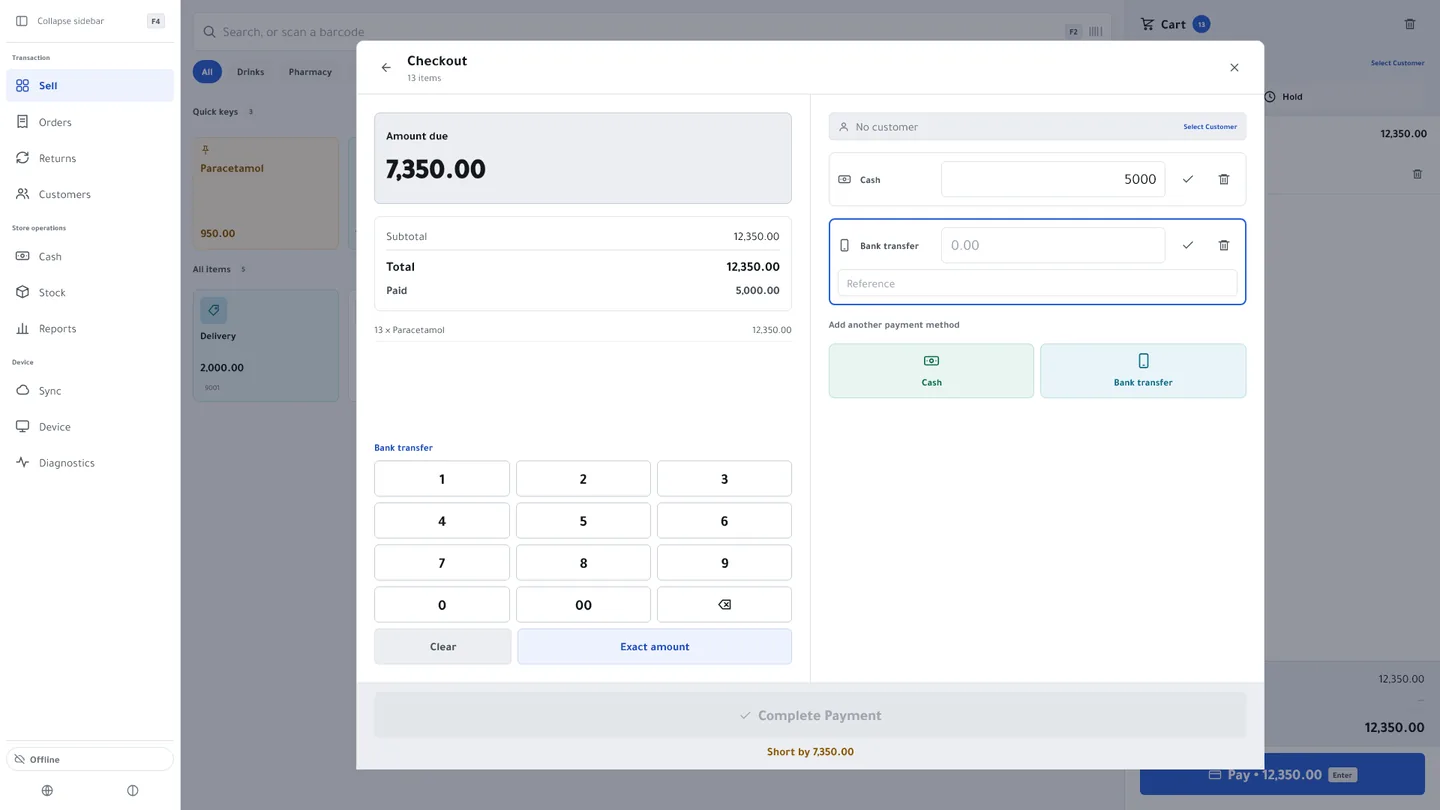
Take payment the way customers pay
Every payment is recorded by how it was made, so the end-of-day count matches the drawer and what came in by transfer.
- Cash and transfers from any bank app
- Record the transfer reference with the payment
- Sell on account to customers with a credit limit
- Change calculated for cash
Control without slowing down
Discounts stay within a limit you set, and selling beyond stock needs a manager, who approves on the spot with their PIN.
- Line and basket discounts, automatic promotions and coupons
- Cashier sign-in with a PIN
- Each till approved by a manager before it can sell
- Refunds against the original sale
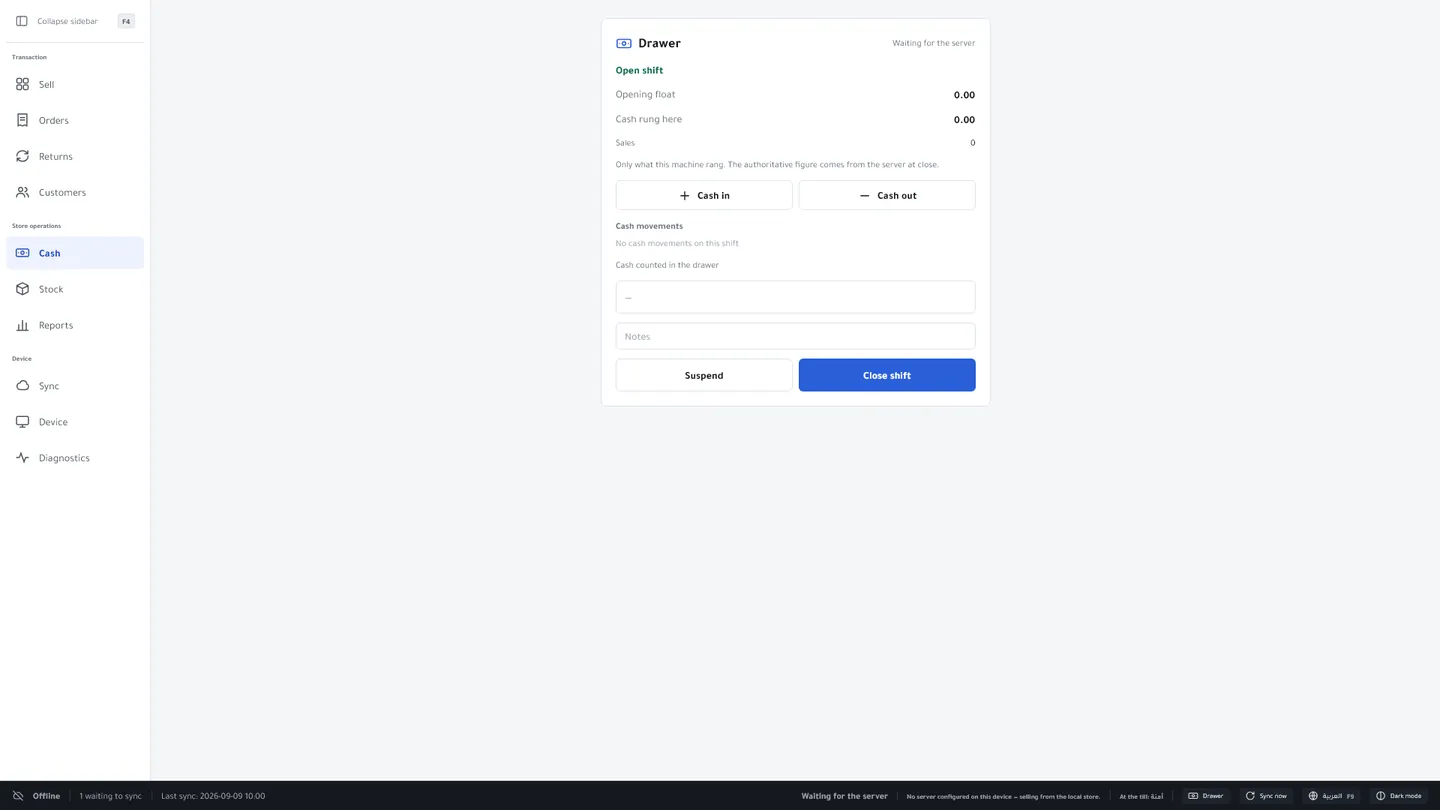
Shifts that balance
Open a shift with a float, record cash in and out, and close with a blind count. Kulnabooks records any difference and tells the owner.
- Opening float and cash movements
- Blind cash count at close
- A summary of every tender at close
- Variance alerts to the owner
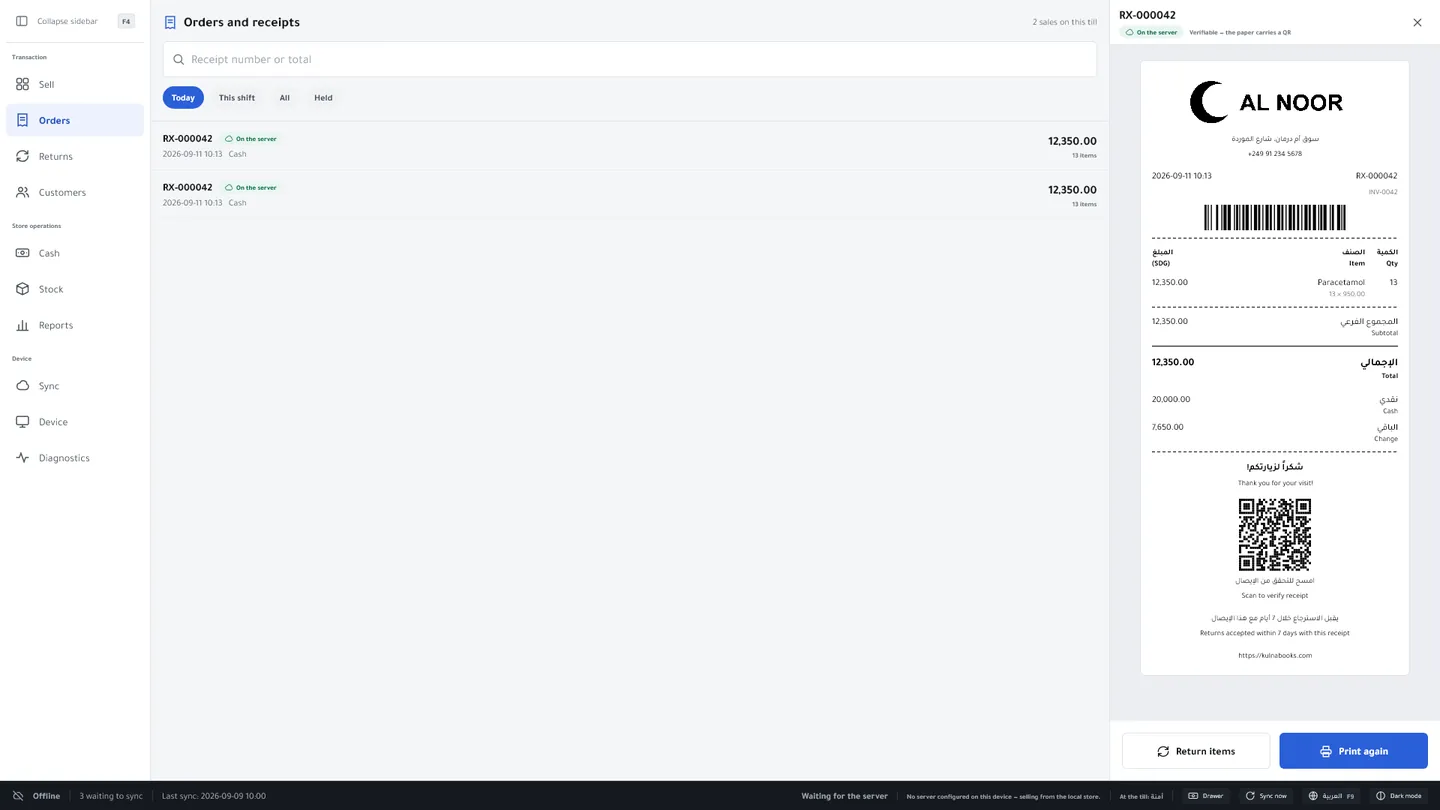
Receipts customers can trust
Print on the counter printer or share the digital copy. Every receipt has a QR code that checks it against your records.
- Your logo, in Arabic and English
- 58 mm and 80 mm thermal printers (Windows app)
- Code 128 barcode for quick look-ups
- Your return policy printed on the receipt
Two ways to run the till
In the browser
Open Kulnabooks on any computer or tablet and install it to the home screen. It keeps its catalogue on the device and queues sales while offline.
Kulnabooks POS for Windows
An app for the counter PC: prints straight to thermal receipt printers, opens the cash drawer, and keeps selling and printing with no connection.
Refunds and coupon codes need a connection; everything else at the till works offline. A receipt printed offline has its real number and QR code from the start, and the sale reaches your records when the till reconnects.
Screens from a demo shop. Figures are sample data.
Learn more: Back officeOpen your shop in Kulnabooks
Sign up, name your business and your first store, and start adding products.